Agent Activity
This feature is in preview. Preview features are unsupported and may face breaking changes in a future release. Any issues found in the feature will be addressed during the regular release schedule; they will not result in immediate patches or hotfixes.
We encourage customers to try these features and we welcome any feedback via Posit Support, but we recommend that the feature not be used in production until it is in general availability (i.e., officially released as a full feature). To provide feedback, please email your Posit Customer Success representative or sales@posit.co and specify that you are trialing this feature.
Agent Activity gives you a view of your AI coding-agent usage on the Workbench homepage, including recent sessions, usage totals, estimated costs, models, tools, and workflow patterns.
The page shows your own activity. It does not rank users or provide an organization-wide administrator dashboard.
Open Agent Activity
When your administrator has enabled the feature, select Agent Activity in the header of the Workbench homepage.

If the tab is absent, ask your Workbench administrator whether Agent Activity is available in your deployment. Administrators can find setup instructions in Agent Activity in the Admin Guide.
The page shows Starting while the service starts and indexes your transcript history. The first start can take several minutes. See If Agent Activity does not load if the page stays in this state.
Activity
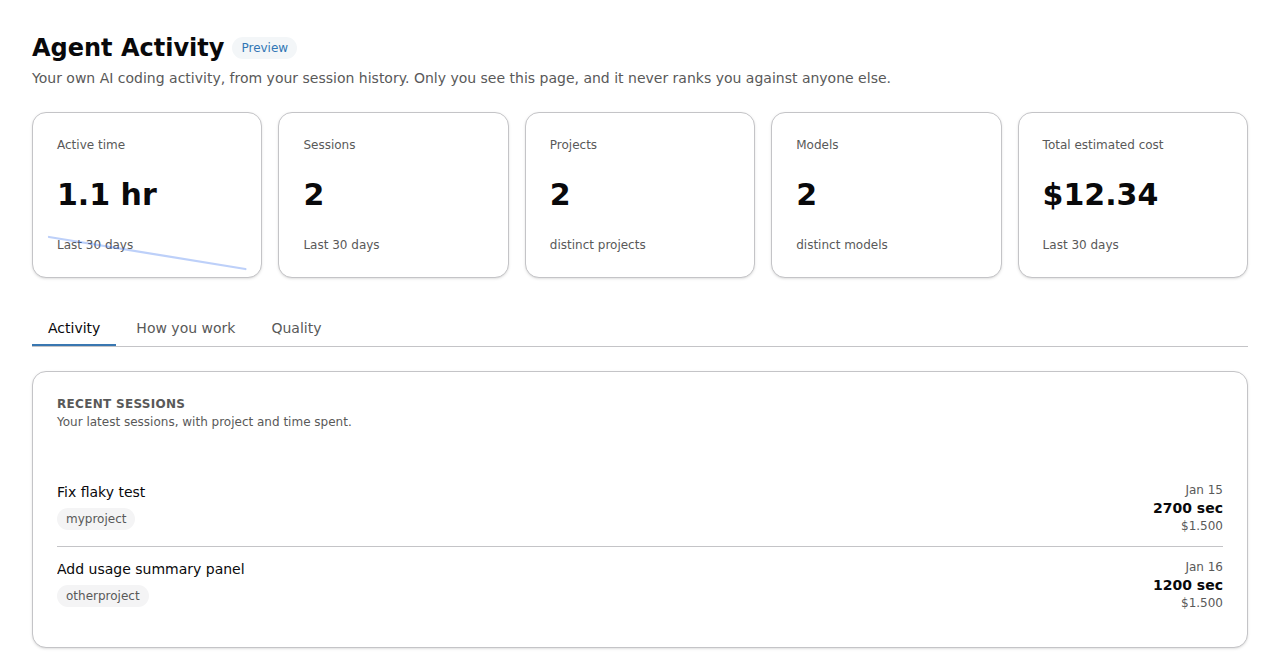
The Activity tab shows summary cards and recent coding-agent sessions. The cards summarize active time, session count, distinct projects and models, and total estimated cost. Recent sessions show the project, start time, duration, and estimated cost when available.
How you work
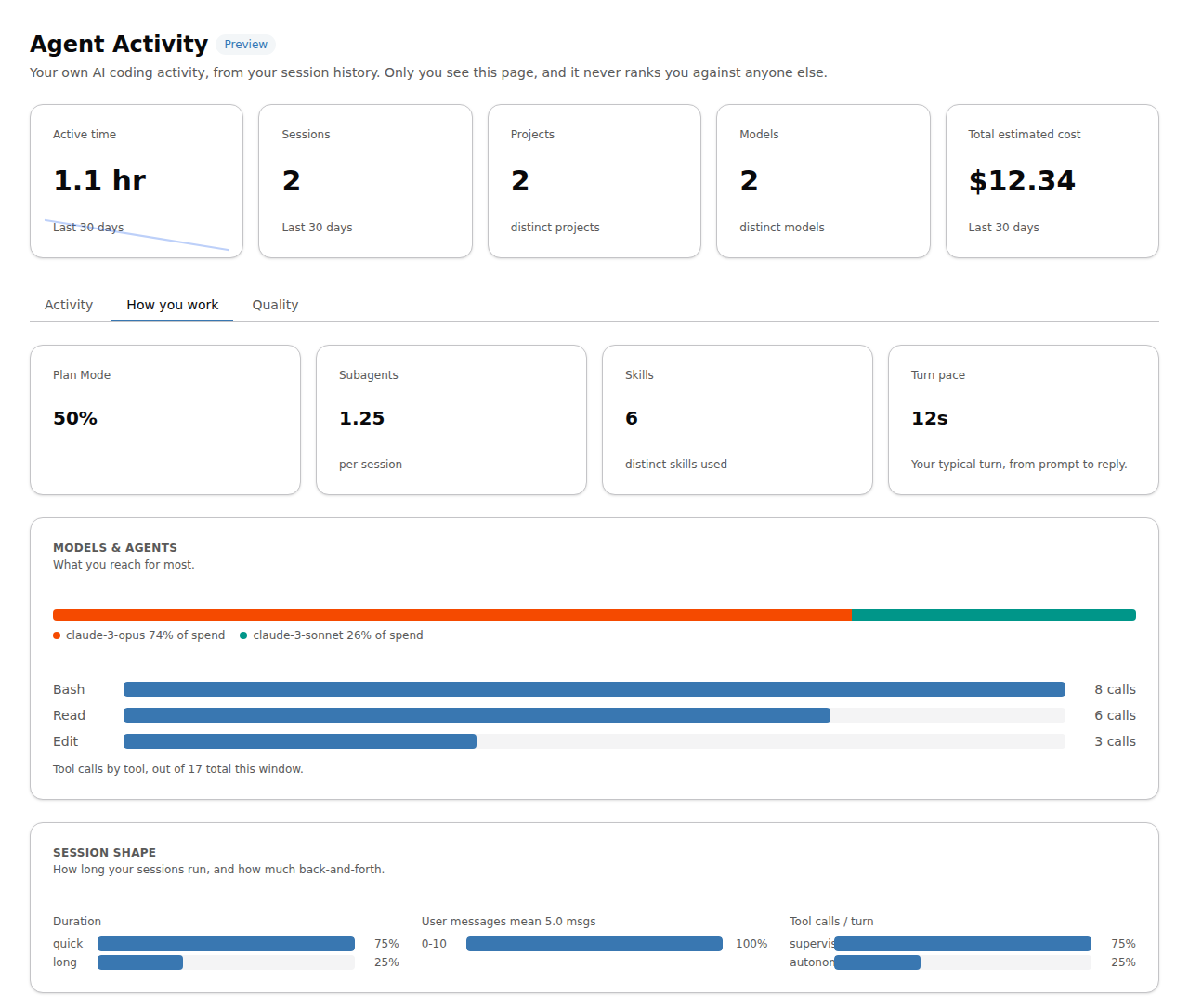
The How you work tab summarizes patterns such as Plan Mode use, subagents, skills, pacing, model spend, tool calls, and session shape.
Quality
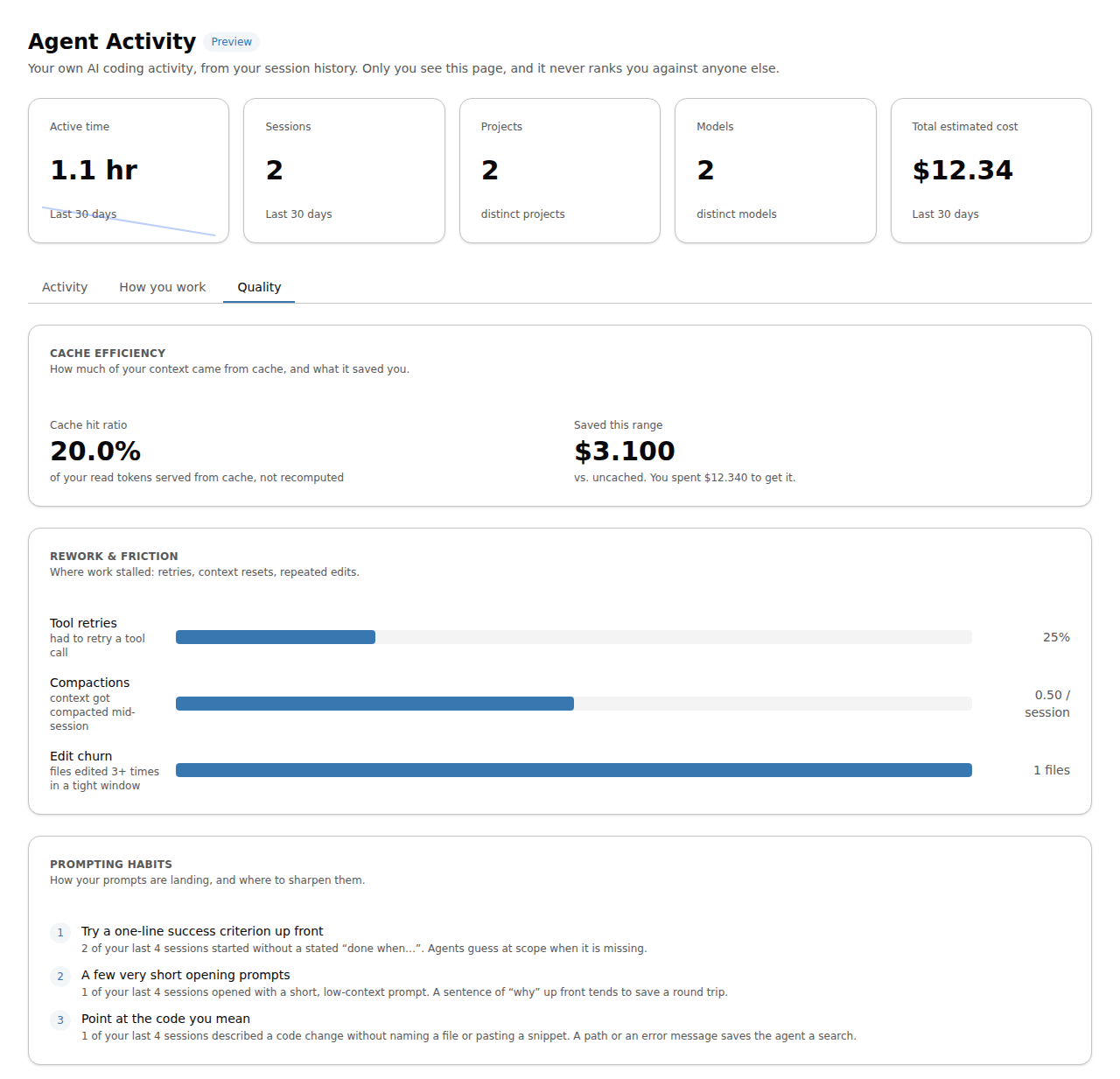
The Quality tab presents signals derived from your session history:
- Cache efficiency: how much of your context the cache served and what that saved
- Rework and friction: areas that negatively impact efficiency
- Where work stalled on tool retries
- Context compactions
- Repeated edits
- Prompting habits: suggestions for sharpening your prompts
Your session history
Agent Activity reads supported coding-agent transcripts from your home directory, including Claude Code history under ~/.claude/projects/, Codex history under ~/.codex/sessions/, and Posit Assistant history under ~/.posit/assistant/workspaces/. Enabling Agent Activity does not install or enable a coding agent.
If the page has no activity, allow the initial indexing operation to finish and confirm that you have supported coding-agent history in your Workbench home directory.
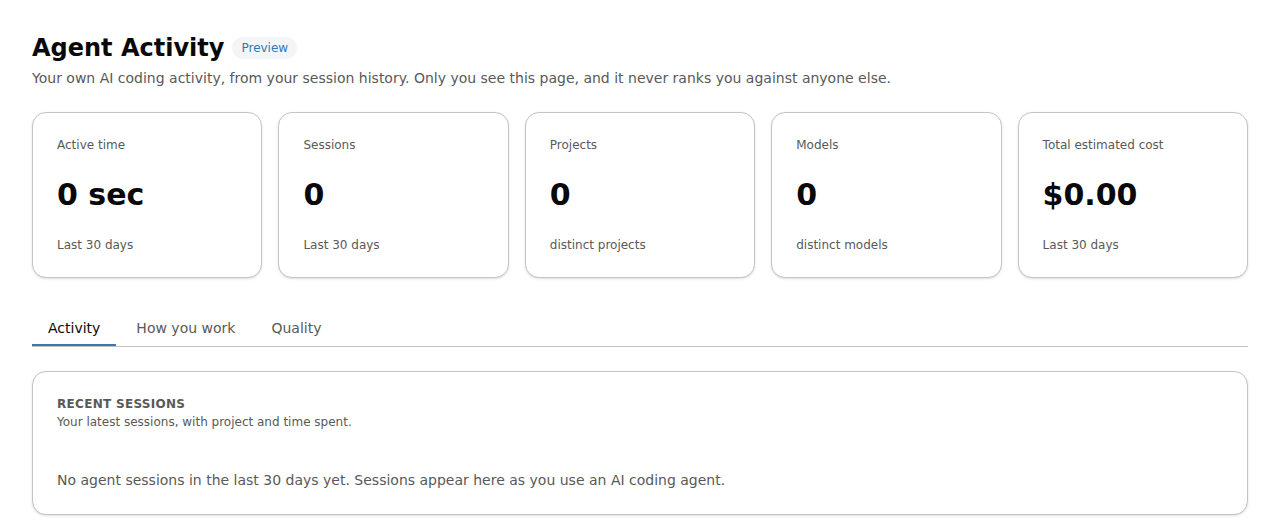
If your history still does not appear after a few minutes, contact your Workbench administrator.
If Agent Activity does not load
Agent Activity might require a long, one-time setup period. Usually this occurs if Workbench has been restarted by the admin. While it starts, the page shows Starting with a progress indicator in place of your activity:
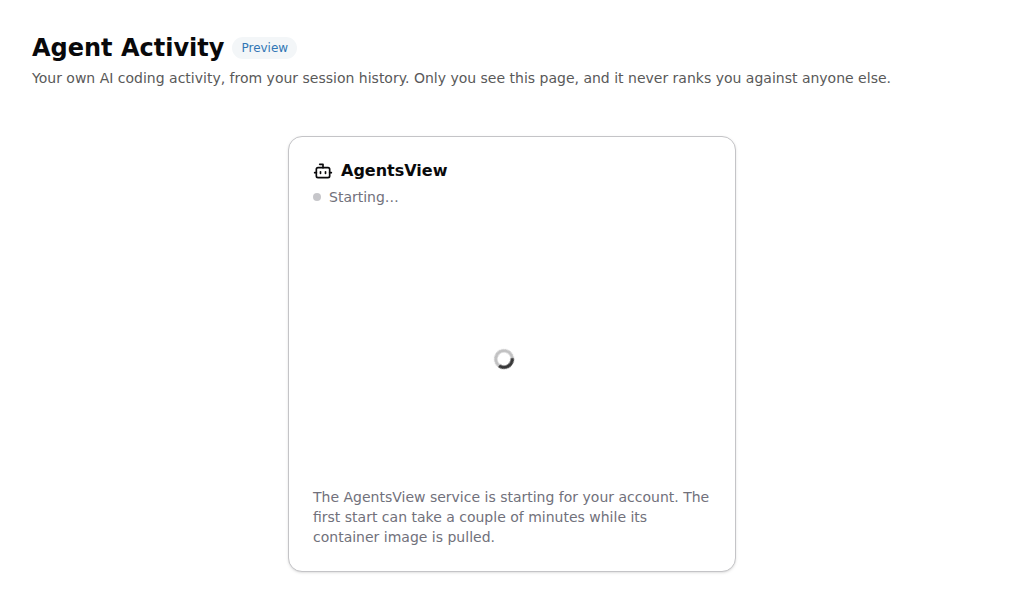
The card can show a more specific message from Workbench in place of the default text. Leave the page open. It updates automatically when the service is ready.
If the service cannot start, the page shows Not running:
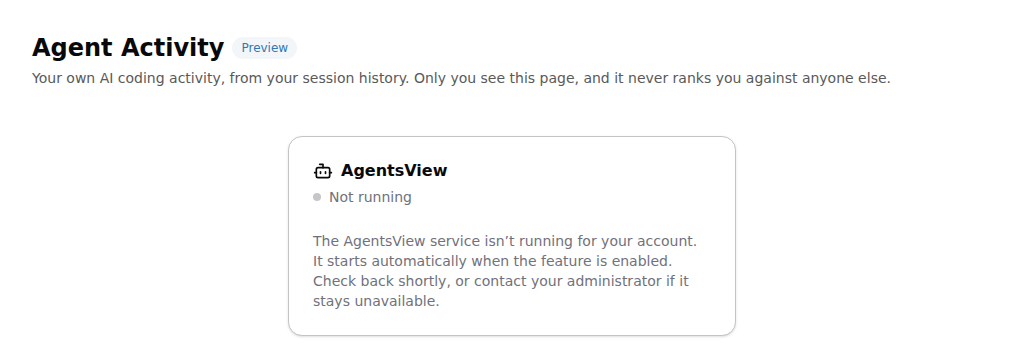
The card can include a Last reported status line with the reason Workbench recorded. Reload the page to try again. If the page stays on Starting for more than 15 minutes, or keeps showing Not running, contact your Workbench administrator and include any status message shown on the card.