Posit Workbench Extension in VS Code
The Posit Workbench Extension provides several useful tools when developing in VS Code sessions running on Posit Workbench.
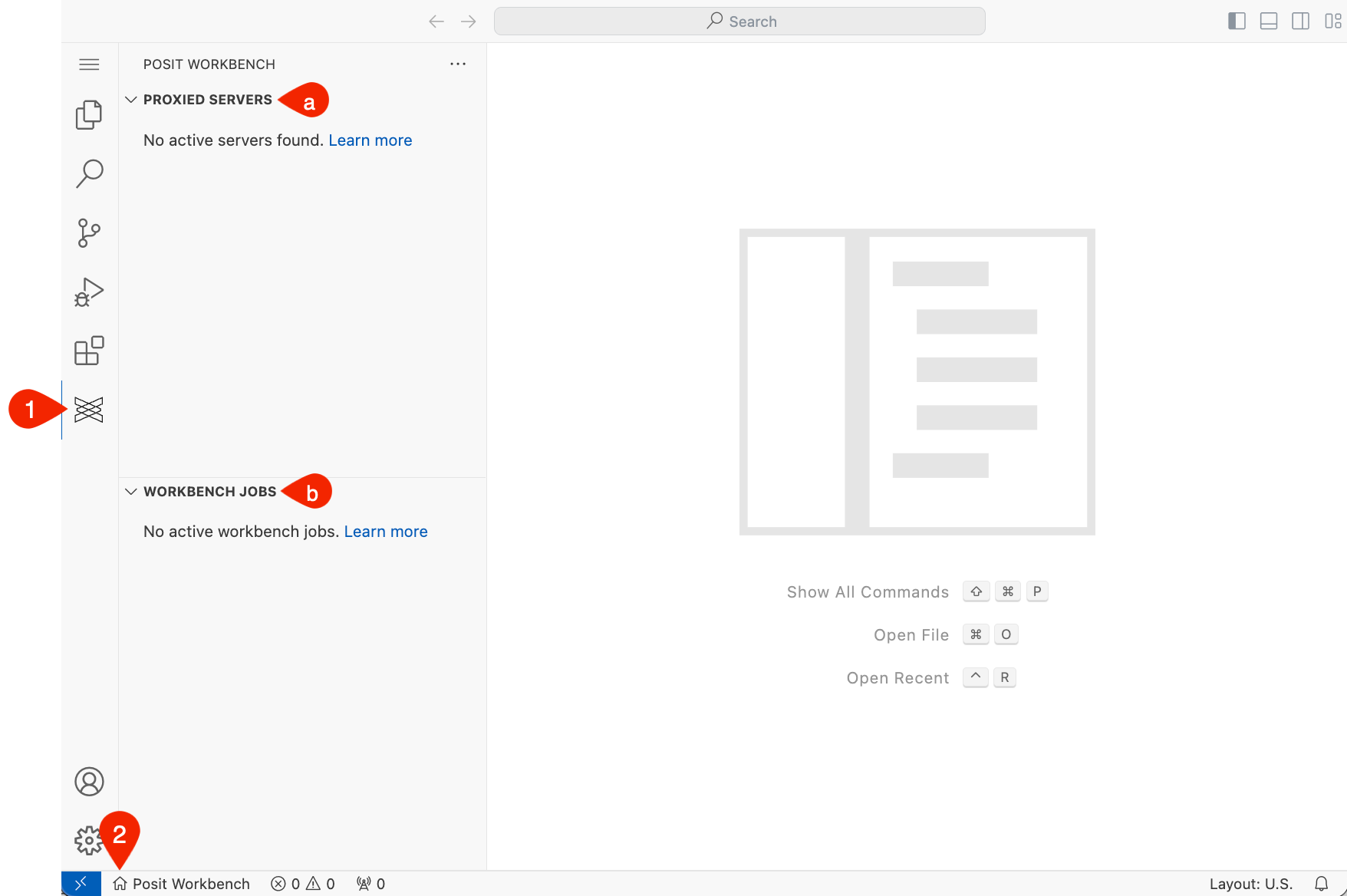
In the Activity Bar, click the Posit icon to display:
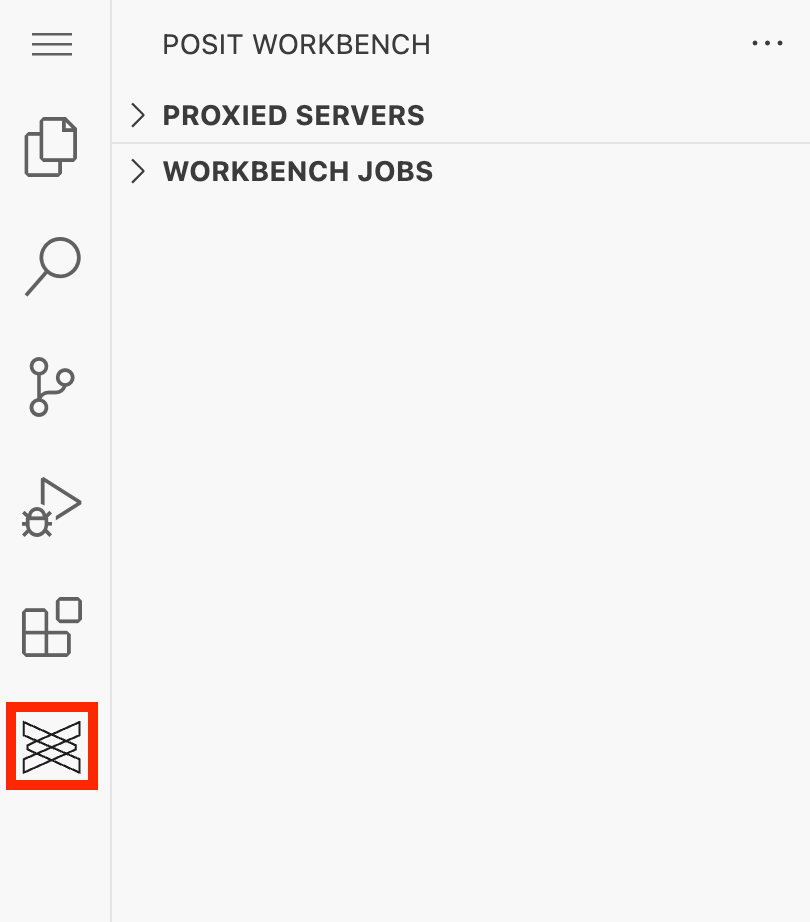
Workbench Extension - The Proxied Servers view: Shows available secure proxy applications and API web servers.
- Workbench Jobs: Shows active Workbench Jobs from within the environment. You can easily start new jobs as well as monitor or terminate running jobs. Job output streams can also be viewed for more detail.
- Available Credentials: Shows your Databricks, Snowflake, and custom OAuth integrations and their authentication status. Sign in and activate credentials directly from this view. Custom OAuth integrations also support viewing integration details and generating code snippets. See The Available Credentials view for more information.
Quickly access the Posit Workbench home page by clicking the Posit Workbench home button in the Primary Side Bar at the bottom of the screen.