Use Package Manager in Snowflake
Posit Package Manager on Snowflake manages R and Python packages used by your organization. It delivers public and internal packages as curated repositories with vulnerability reporting and auditing. For more information about how to use Package Manager, refer to the Admin and User guides.
Installation
Follow the setup guide to configure Package Manager in the Posit Team Native App.
Usage
The message Service running along with a green circle indicates that Package Manager is configured and available.
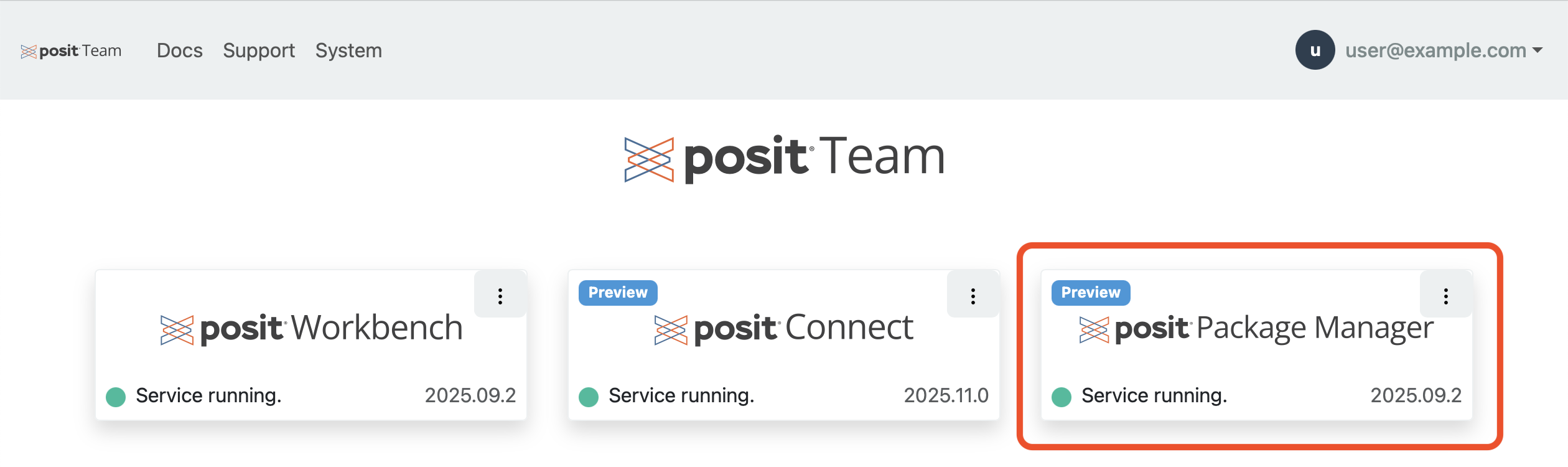
Users can access Package Manager by clicking the Package Manager logo or card.
Management
To manage Package Manager, click the menu icon (vertical dots) on the Package Manager card and click Manage.
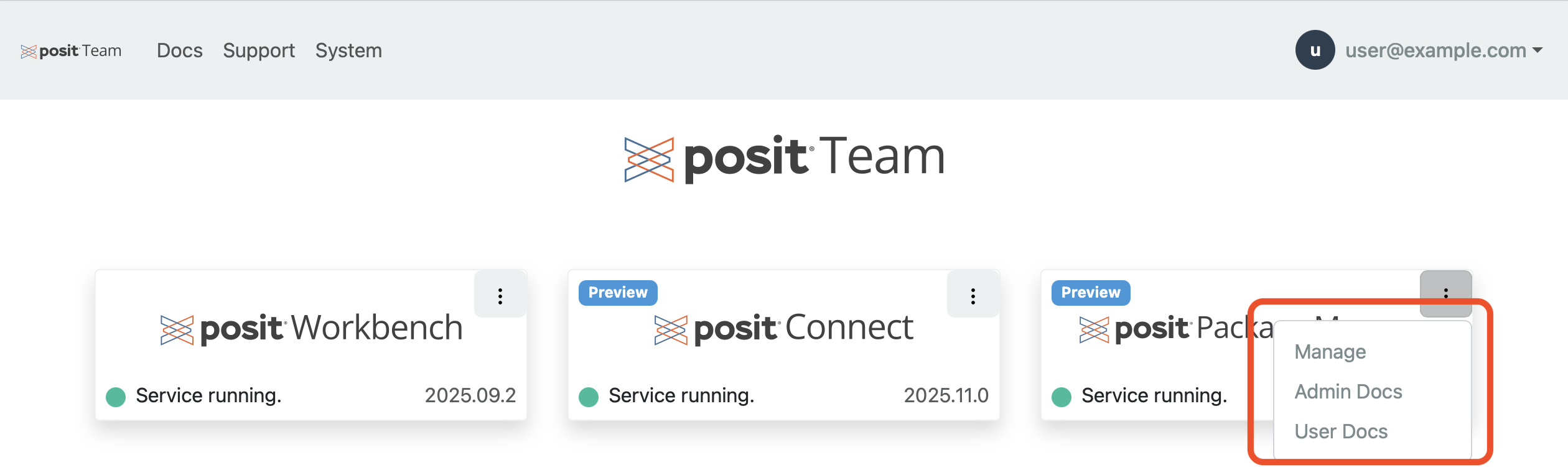
See the management docs for all day 2 operations such as modifying the compute pool, backup, and restore.