Workbench Native App
Posit Workbench hosted in Snowpark Container Services
The Posit Workbench Native App reaches end of life at the end of December 2026. Posit will remove the listing from the Snowflake Marketplace. You will no longer have access to Workbench Native App installations. Migrate to the Posit Team Native App to continue running Workbench in Snowflake.
Overview
Running Posit Workbench as a Snowflake Native App gives data scientists access to familiar development environments including RStudio, Positron, Jupyter, and VS Code. Workbench installs and runs within Snowpark Container Services (SPCS), giving developers immediate access to a fully contained service within the Snowflake environment.
To install Workbench as part of the Posit Team Native App, follow these alternative instructions.
Requirements
Use of Posit Workbench within Snowpark Container Services requires an Advanced tier license for Workbench.
Posit recommends the ACCOUNTADMIN role (Snowflake AccountAdmin role details) to install the Workbench Native App. Alternatively, you can use a custom role with equivalent privileges. See installation prerequisites for details.
AWS PrivateLink and Azure Private Link
Only the Posit Team Native App supports AWS PrivateLink and Azure Private Link. Please see the AWS PrivateLink and Azure Private Link documentation to get started.
Getting started with Posit Workbench Native App
Accessing Workbench
If you already have the Workbench service URL, you can access it directly. Otherwise, use Snowflake to discover the Workbench Native App.
Visit Catalog > Apps and click Posit Workbench.
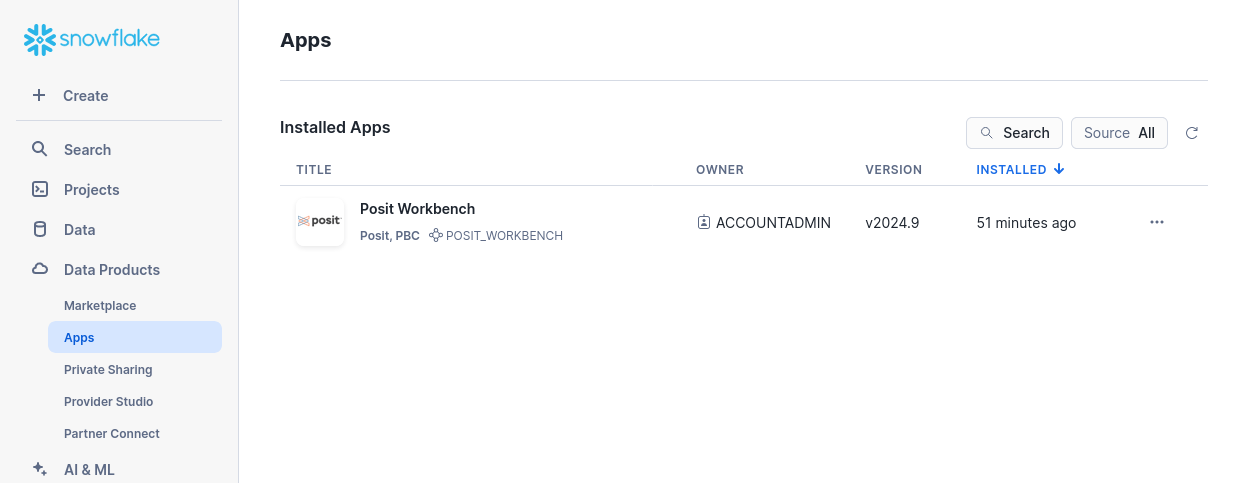
Workbench in Snowflake Catalog Apps Click Launch app.
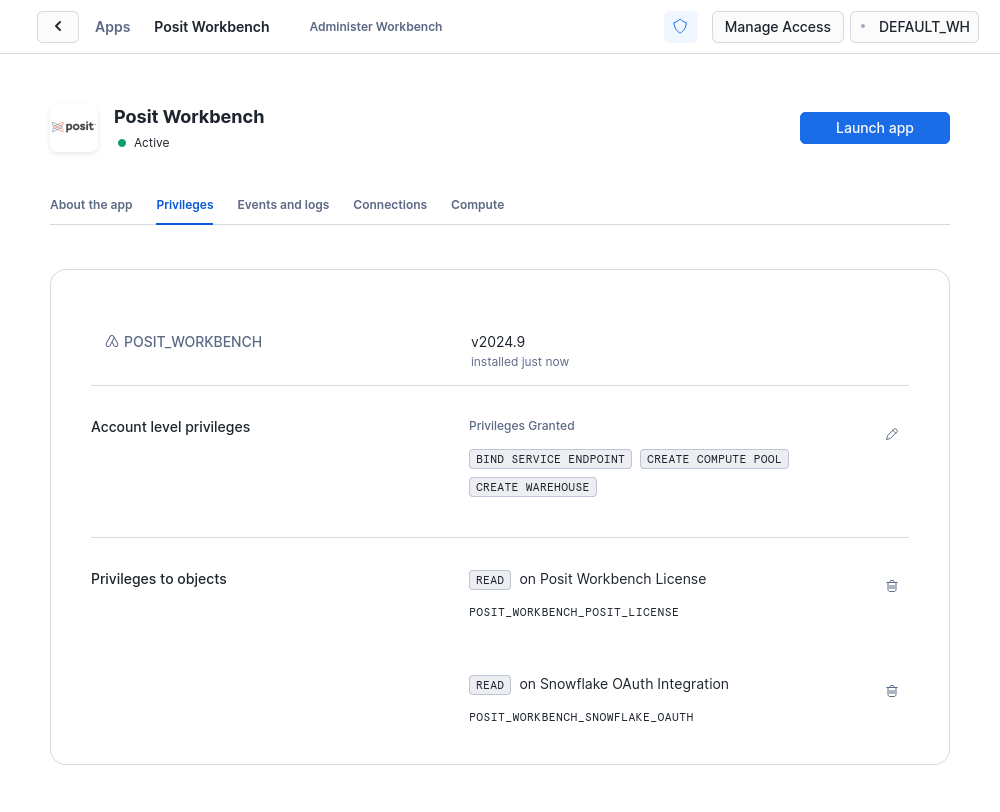
Launch the Workbench Native App
Workbench prompts you to log in when you visit. Sign in using the authentication method configured for your Snowflake account. Workbench uses the single sign-on (SSO) workflow supported by Snowflake.
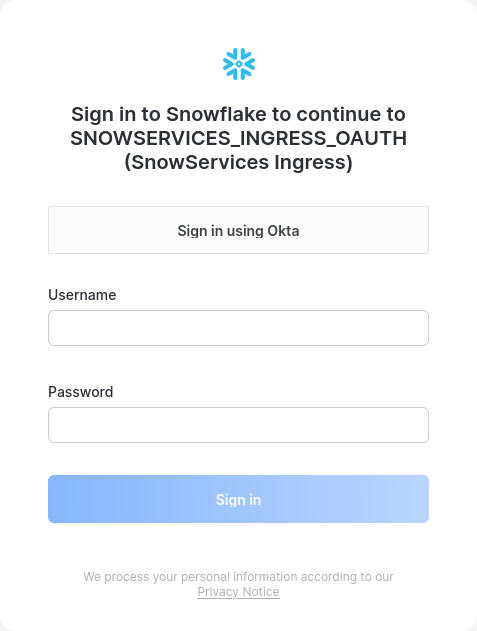
After signing in, the Workbench landing page appears.
Users can access Workbench through Launch app in their Snowflake accounts or by accessing the Workbench URL directly.