Managing Environments
When Connect is running in off-host execution mode, a compatible execution environment is selected automatically from the available set of environments.
By default, an execution environment has no configured permissions, and all Publishers can access and deploy content from it.
Using the Environments tab in the Connect UI, Connect Administrators can configure and control which Publishers can access specific execution environments. Administrators can also configure volume mounts for specific execution environments.
To open the Environments tab, click System in the top menu bar, then click Environments under Manage.
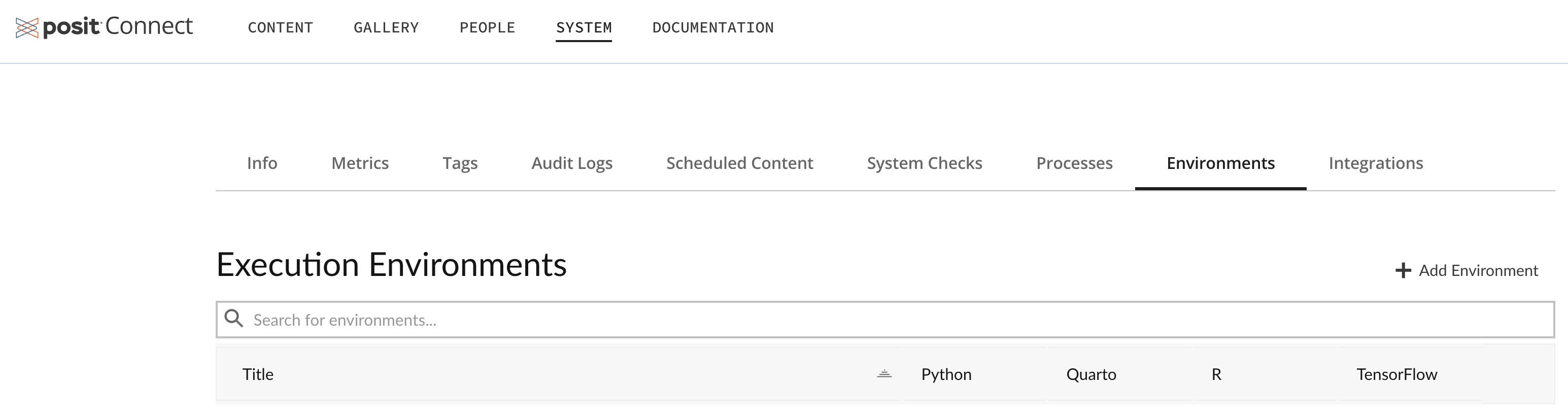
The Connect Admin Guide has detailed information about using the Environments tab to:
- View, search, or add execution environments
- Configure permissions for execution environments
- Configure volume mounts for execution environments
There are also steps for server administrators to create custom execution environments and deploy content to them in the Creating Execution Environments section of the Connect Cookbook.