Integration Management
This page covers administrator tasks. To attach an integration that an administrator already configured to your own content, see Adding integrations to deployed content.
Overview
Using the Integrations tab in the Connect UI, Connect Administrators can create, view, and manage integrations.
To open the Integrations tab, click System in the top menu bar, then click Integrations under Manage.
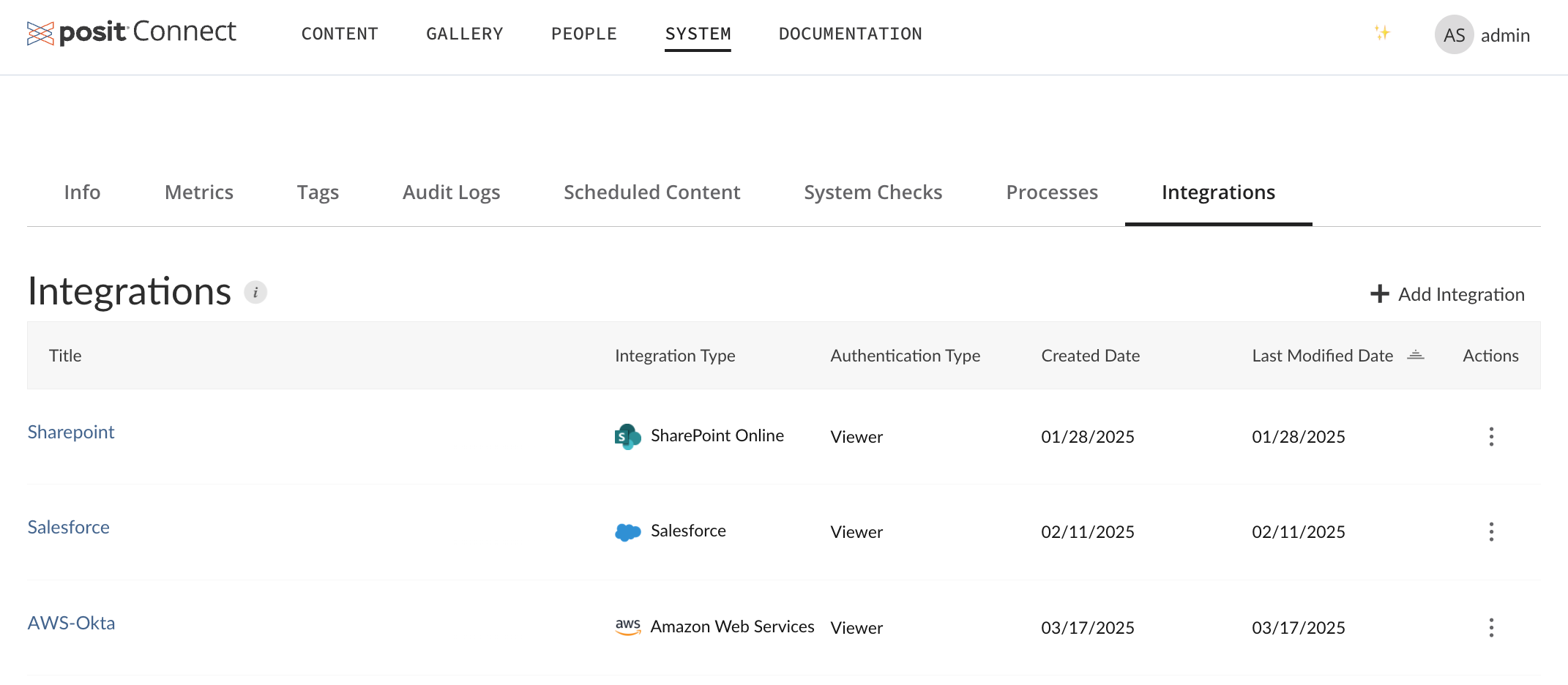
All actions to manage integrations (creating, editing, deleting, and testing) are audited events.
Creating a new integration
To create a new integration, click + Add Integration at the top right of the Integrations tab.
For detailed information on using the Integrations tab to create new integrations for all supported integrations, see the Connect Admin Guide.
Managing existing integrations
You can sort existing integrations by title, integration type, authentication type, usage, and created or last modified date.
Usage
The Usage column displays how many content items use each integration. Click the usage count to open the Content Search page with results filtered to show all content associated with that integration.
If no content items are using an integration, the column displays “None.”
Actions
You can test, edit, and delete existing integrations by clicking the Actions button for any integration.
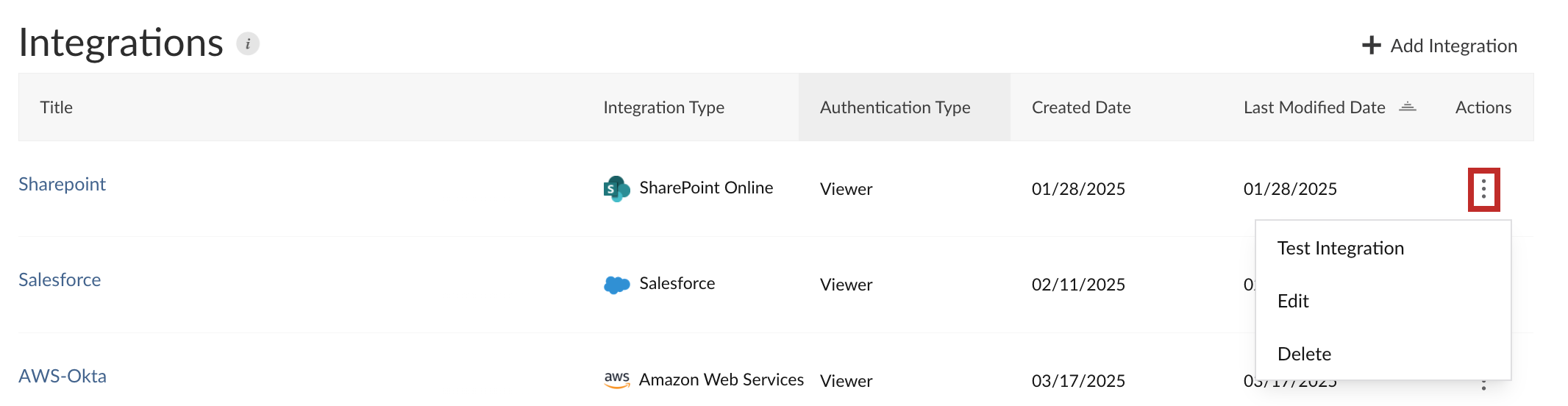
Deleting integrations
When you delete an integration, a confirmation dialog reports how many content items use that integration. Review this count to assess the impact before confirming the deletion.
Deleting an integration is permanent and cannot be undone. Content items that depend on the deleted integration will no longer be able to acquire credentials through it.
Access control lists
When creating a new integration or editing an existing integration, you can manage the access control list (ACL) for that integration at the bottom of the provided dialog under Access Control.
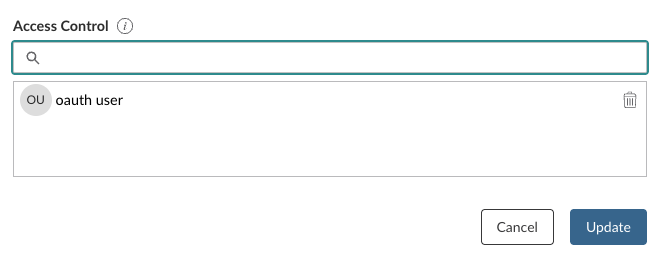
This form allows you to specify which Connect users and groups have access to the integration. By default, all users and groups are granted access. To restrict access, populate the ACL field with the desired users and groups.
Take care when removing users and groups from the ACL. If all users and groups are removed, the integration becomes accessible for all publishers.
Connect does not detach an integration from content when the content owner is no longer on the integration’s ACL. This can happen if:
- An administrator removes the user from the integration ACL while the user still owns content that uses the integration.
- An administrator transfers content to a user who is not on the ACL of an integration already attached to it.
Existing content continues to run in both cases, but the owner cannot re-attach the integration if someone later detaches it. See Access control lists in the OAuth integrations Admin Guide for more information.