Bokeh
Bokeh is an interactive visualization library for modern web browsers. It provides elegant, concise construction of versatile graphics, and affords high-performance interactivity over large or streaming datasets. Bokeh can help anyone who would like to quickly and easily make interactive plots, dashboards, and data applications.
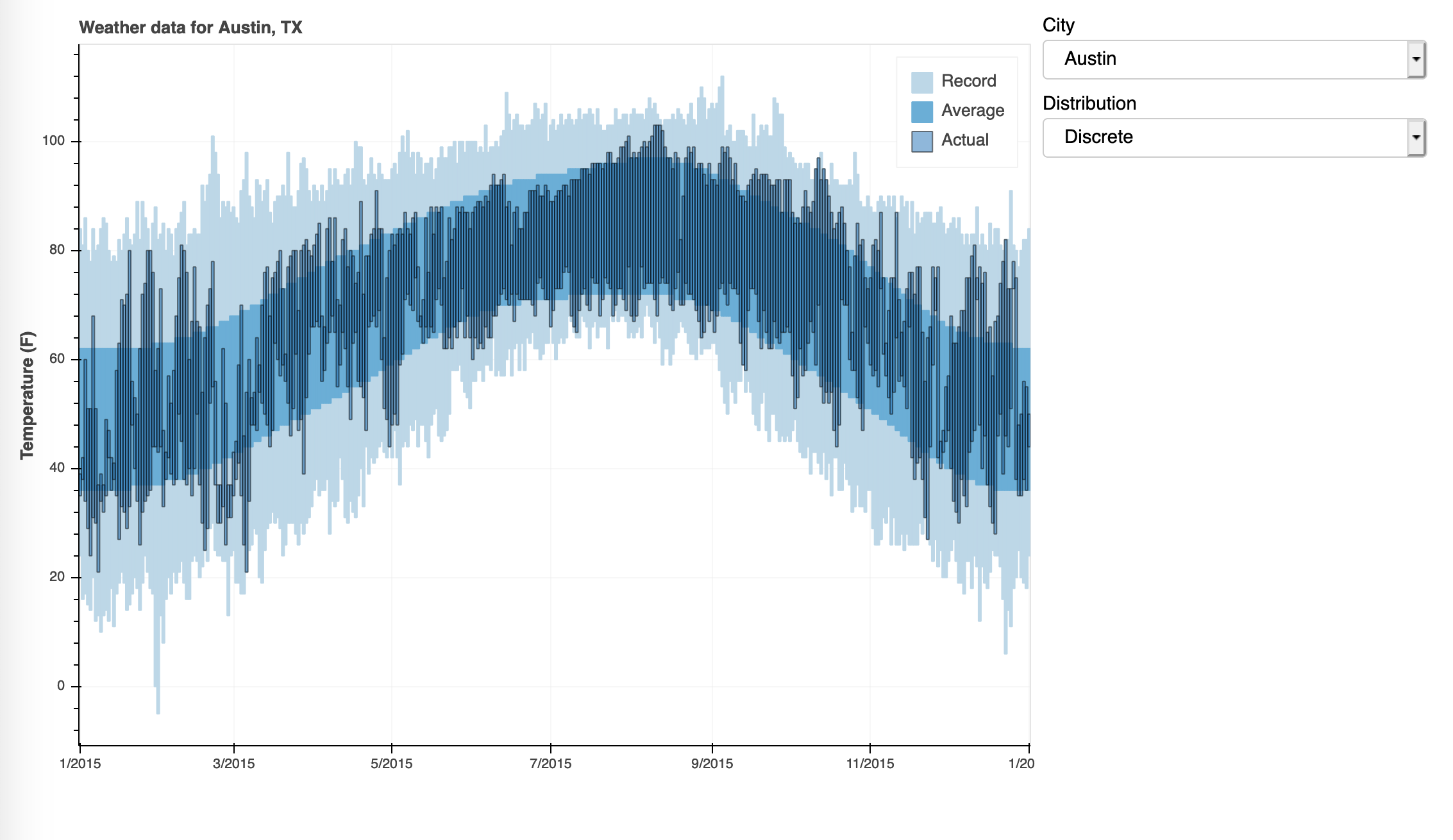
While Posit Connect supports Bokeh content, other frameworks built off of infrastructure provided by Bokeh may not work with Connect.
Deploying
Use the Posit CLI to deploy Bokeh apps.
For Bokeh apps, the entrypoint is the name of the Python file containing your app. For example, if your app’s source file is named main.py, use:
Terminal
posit connect deploy bokeh -n <saved server name> --entrypoint main.py ...Example apps
Source code for the Bokeh gallery apps is in the Bokeh GitHub repository.
Clone the bokeh repository and change to the directory of the app you want to run:
Terminal
git clone https://github.com/bokeh/bokeh
cd bokeh/examples/server/app/<app-name>
Create a project for the app, then add Bokeh and any other packages that the app’s README lists:
Terminal
uv init --bare --no-workspace --python 3.12 --pin-python
uv add bokeh
The --no-workspace option keeps the app’s project separate from the pyproject.toml file at the root of the Bokeh repository.
Run the app locally:
Terminal
uv run bokeh serve --show .Create a requirements.txt file from the app’s locked dependencies:
Terminal
uv export --no-dev --no-emit-project --no-hashes -o requirements.txtThen deploy to Connect:
Terminal
posit connect deploy bokeh -n <saved server name> --entrypoint main.py .