Reviewing Package Activity
The Activity Log displays a log entry for each time a change is made to the repository, which includes adding, archiving, or deleting a package version.
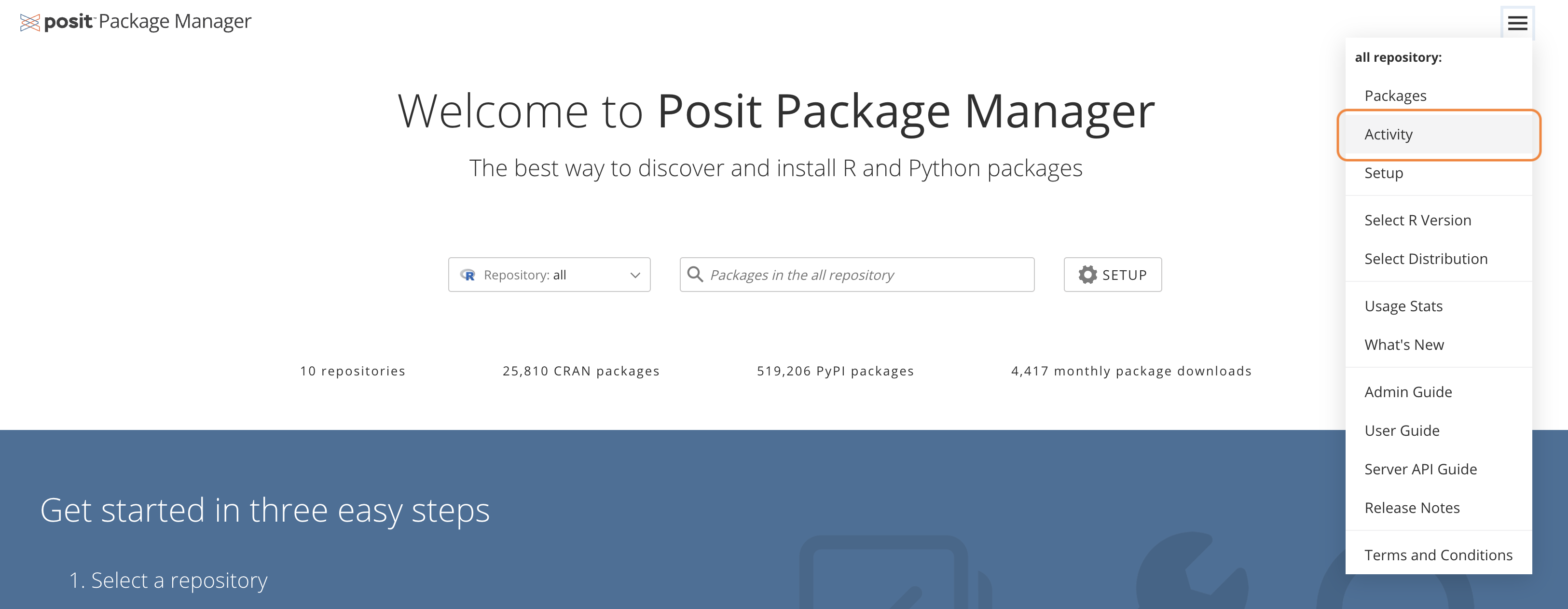
To access the Activity Log, choose a repository from the Package Manager home page. Then open the hamburger menu in the top-right corner of the repository selection card and select Activity:
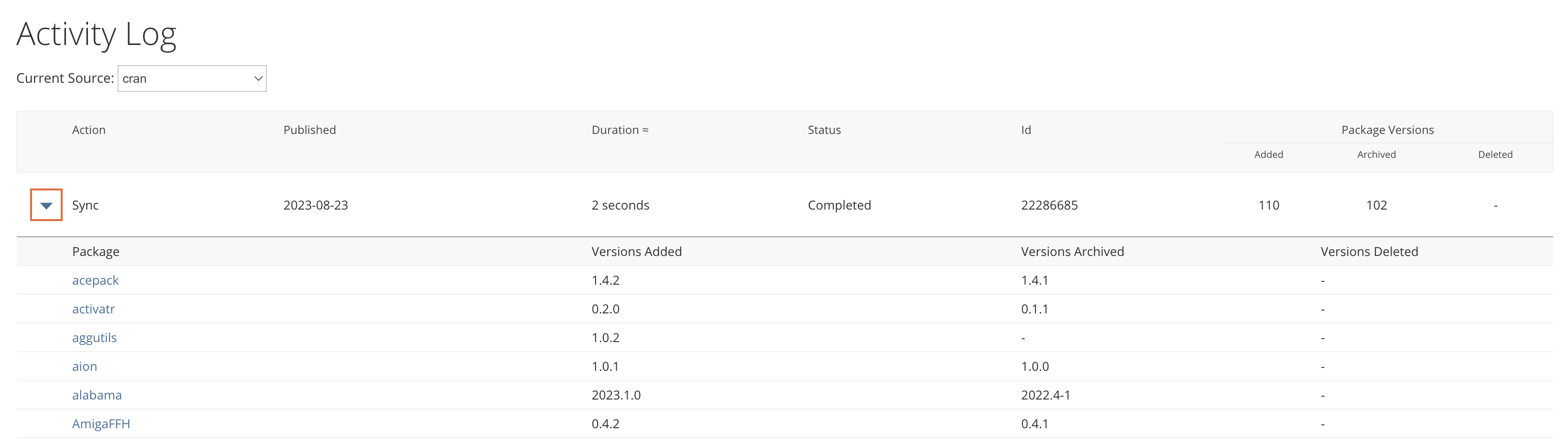
On the left of each row, click the arrow to expand and examine which changes occurred in a given snapshot.
If your repository subscribes to more than one source, you’ll see a drop-down menu, allowing you to select which source to show activity from. Only one source’s activity is displayed at a time.
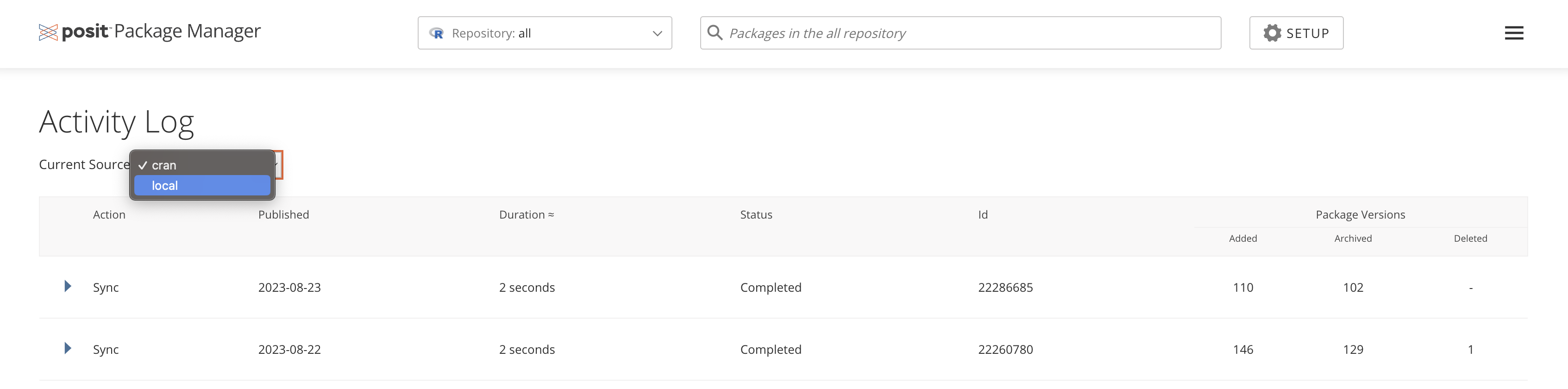
For public sources (CRAN, Bioconductor, and PyPI) package updates are synced every business day from the Posit Package Service. These appear as a “Sync” action in the Activity Log.
Back to top