Signing In
When any Package Manager repositories require authentication and you are not signed in, a Sign In callout appears on the home page. The callout prompts you to sign in to see all repositories. A Sign In option is also available from the user menu in the top-right of the navigation bar.
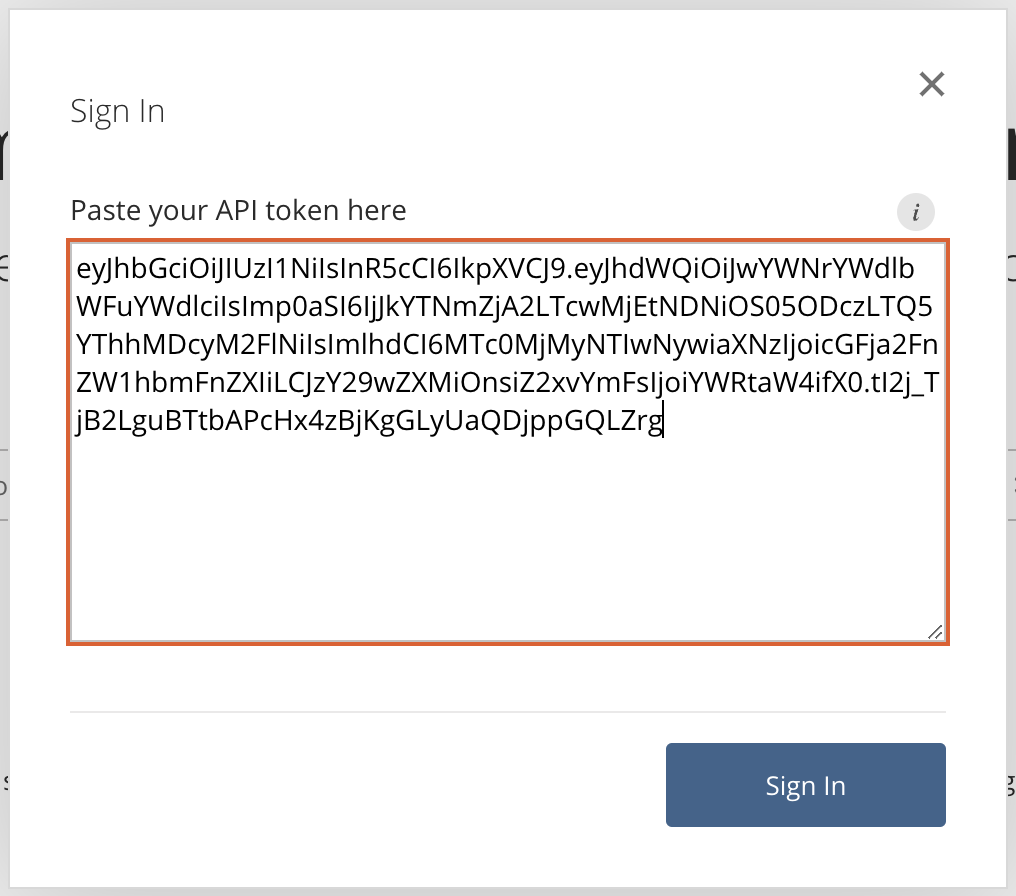
Clicking Sign In from either location will either redirect you to your organization’s single sign-on (SSO) provider, or open a dialog where you can enter your credentials. If token authentication is being used, paste a token into the dialog and click Sign In to authenticate.
Getting a Token
Access to authenticated repositories requires a token with the repos:read scope for those repositories. Your Package Manager administrator can provide you with a token to use for authentication. See Creating API Tokens for details.
Token expiration
If you signed in with a token that expires within 7 days, a banner at the top of the page shows how many days are left. Ask your administrator for a new token before it expires. Dismissing the banner hides it for 24 hours.