Standalone View
View deployed content in a clean, distraction-free window with its own URL, free of Connect Cloud navigation.
Now, when you deploy an application or document, you can view it in Standalone View by clicking the fullscreen icon in the top navigation bar.
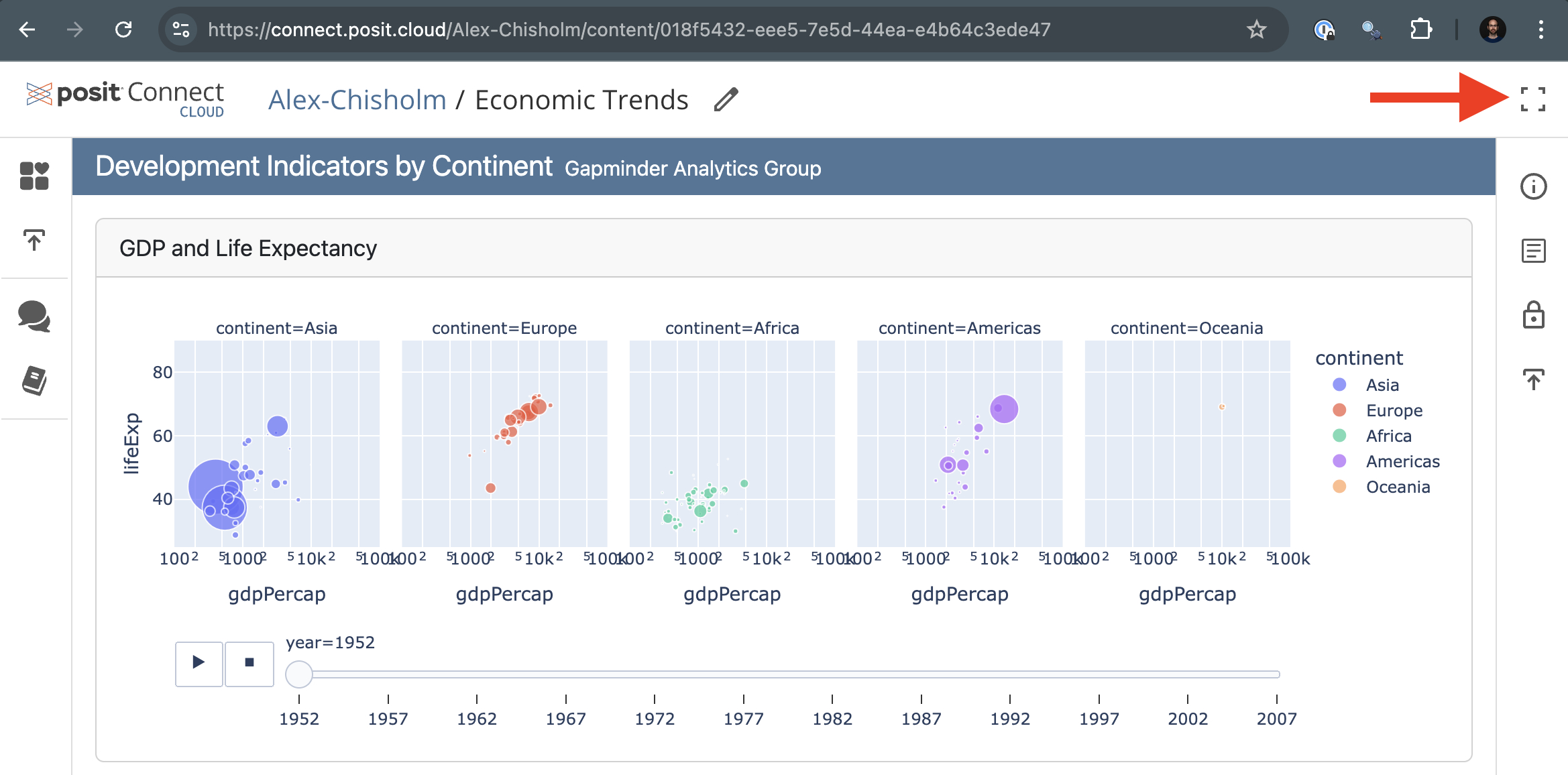
This feature opens your content in a new window with a new URL that is free of the Connect Cloud logo and navigation bars, for a clean, distraction-free display.
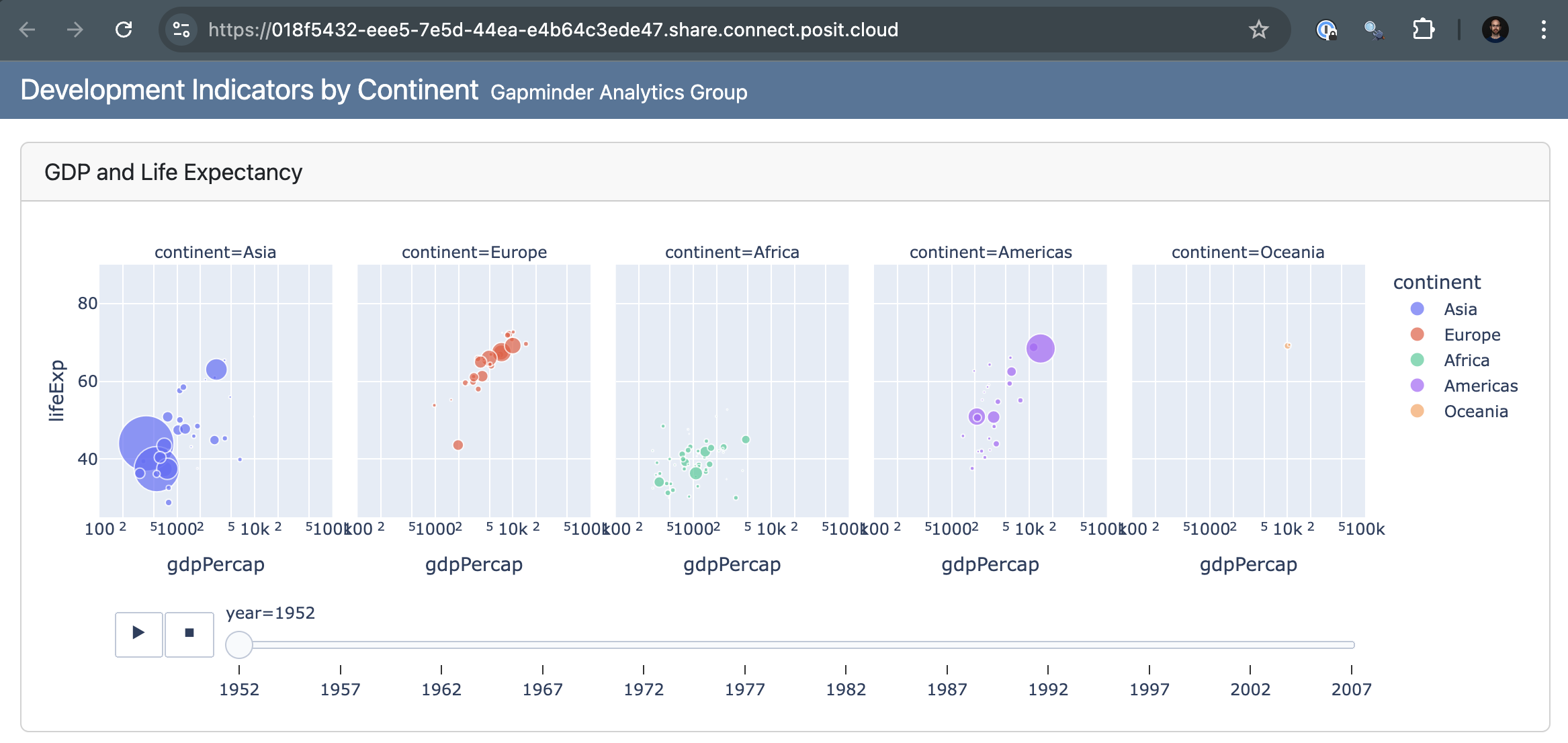
Standalone View enhances content sharing by enabling native deep linking and external link redirects for documents, and the use of query parameters for applications.
When you view your portfolio:
- Clicking a content item title opens an admin view, giving you access to content management controls.
- Clicking the copy link icon copies the link to the standalone view of your content.
When others view your portfolio:
- Clicking a content item title takes them directly to the standalone view of your content.
- Clicking the copy link icon copies the link to the standalone view, allowing for easy sharing to the simplified view.
We hope this new feature makes sharing your work more impactful.