Run Shiny applications via the Linux command line
A guide on how to run a Shiny application on the Linux command line
Description
Running Shiny apps via the command-line can help separate application code issues from issues with Posit Workbench or Posit Connect.
Example
For this example, we will be using a single file application:
```{.R, filename=“app.R”} library(shiny)
Define UI for application that draws a histogram
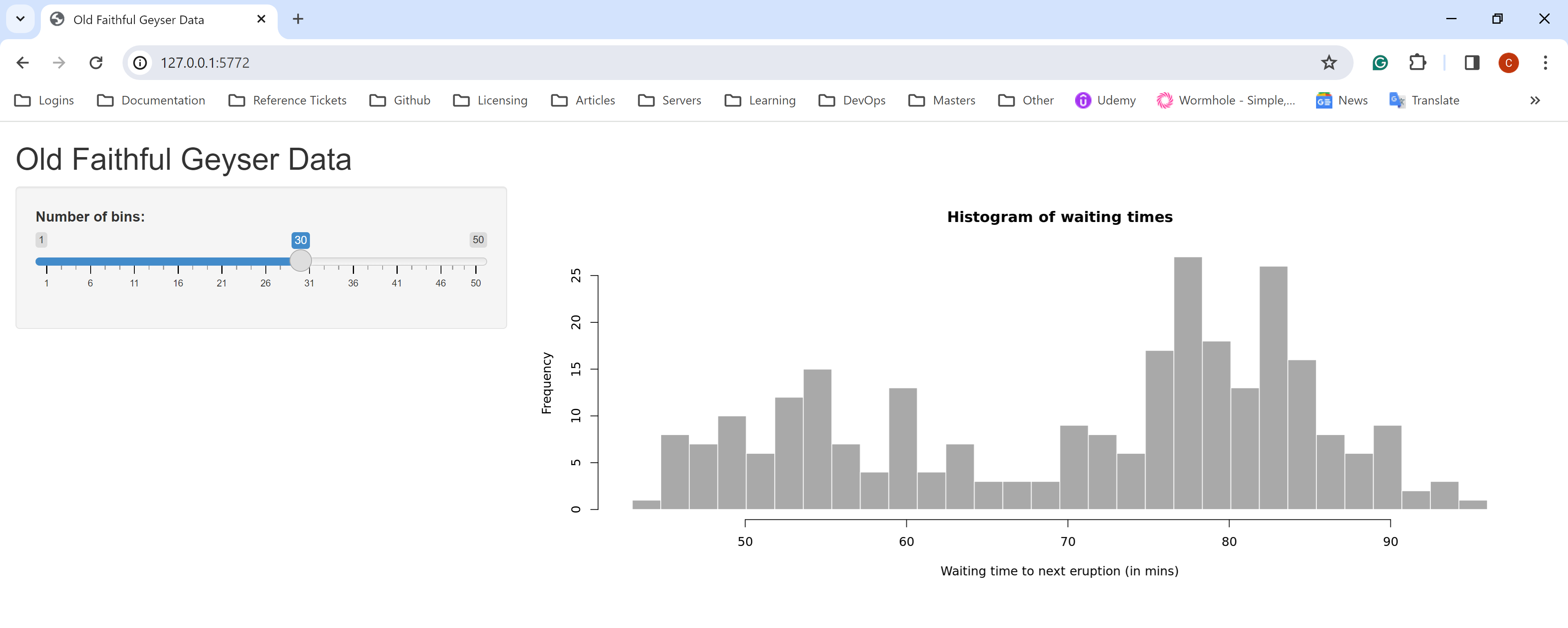
ui <- fluidPage( # Application title titlePanel(“Old Faithful Geyser Data”),
# Sidebar with a slider input for number of bins sidebarLayout( sidebarPanel( sliderInput(“bins”, “Number of bins:”, min = 1, max = 50, value = 30) ),
# Show a plot of the generated distribution
mainPanel(
  plotOutput("distPlot")
)
) )
Define server logic required to draw a histogram
server <- function(input, output) { output\(distPlot <- renderPlot({ # generate bins based on input\)bins from ui.R x <- faithful[, 2] bins <- seq(min(x), max(x), length.out = input$bins + 1)
# draw the histogram with the specified number of bins
hist(
  x,
  breaks = bins,
  col = 'darkgray',
  border = 'white',
  xlab = 'Waiting time to next eruption (in mins)',
  main = 'Histogram of waiting times'
)
}) }
Run the application
shinyApp(ui = ui, server = server)
This application can be run from the Linux command line:

```{.bash, filename="Terminal"}
~# R -e "shiny::runApp('/home/posit/testapp/app.R')"

R version 4.1.2 (2021-11-01) -- "Bird Hippie"
Copyright (C) 2021 The R Foundation for Statistical Computing
Platform: x86_64-pc-linux-gnu (64-bit)

R is free software and comes with ABSOLUTELY NO WARRANTY.
You are welcome to redistribute it under certain conditions.
Type 'license()' or 'licence()' for distribution details.

R is a collaborative project with many contributors.
Type 'contributors()' for more information and
'citation()' on how to cite R or R packages in publications.

Type 'demo()' for some demos, 'help()' for on-line help, or
'help.start()' for an HTML browser interface to help.
Type 'q()' to quit R.

> shiny::runApp('/home/posit/testapp/app.R')
Loading required package: shiny

Listening on http://127.0.0.1:5772
The port is selected randomly and may be different in your terminal. Depending on your networking configuration, you may be able to view the application from a browser.